
Overview
Find the Share button on the top right section of the editor. Here you can:
- •Open the preview page in a new tab
- •Copy the link to your clipboard
- •Share the link with others or review Flint's work
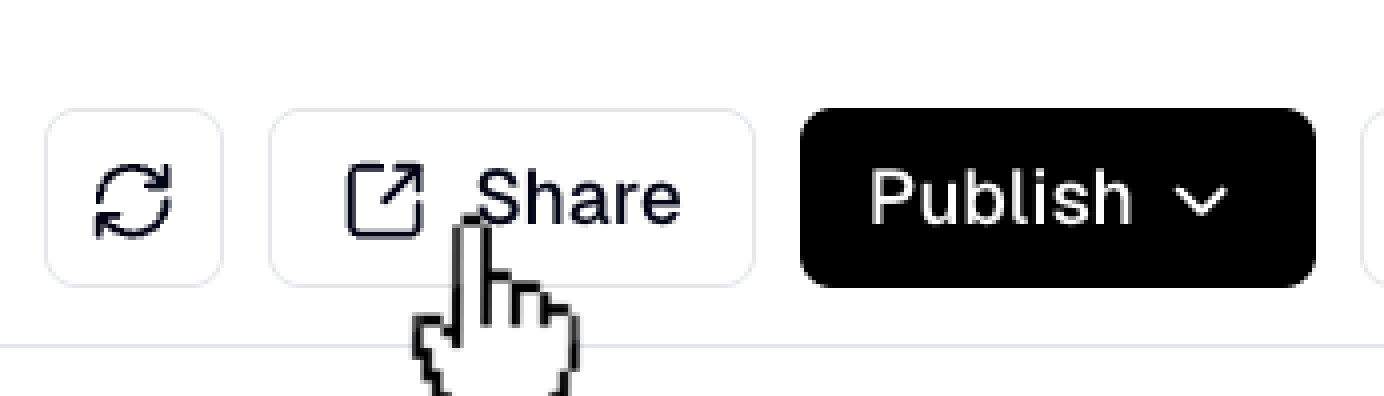
Find the Share button on the top right section of the editor. Here you can:

Social Preview Image
Set a default Open Graph image for social media sharing. Go to Settings in the top bar, then select the Site Settings tab. Under Social Preview, upload an image (recommended: 1200x630 pixels) that will appear when your pages are shared on social platforms like LinkedIn, X, or Facebook.